
Secrets
import { Aside } from ‘@astrojs/starlight/components’;
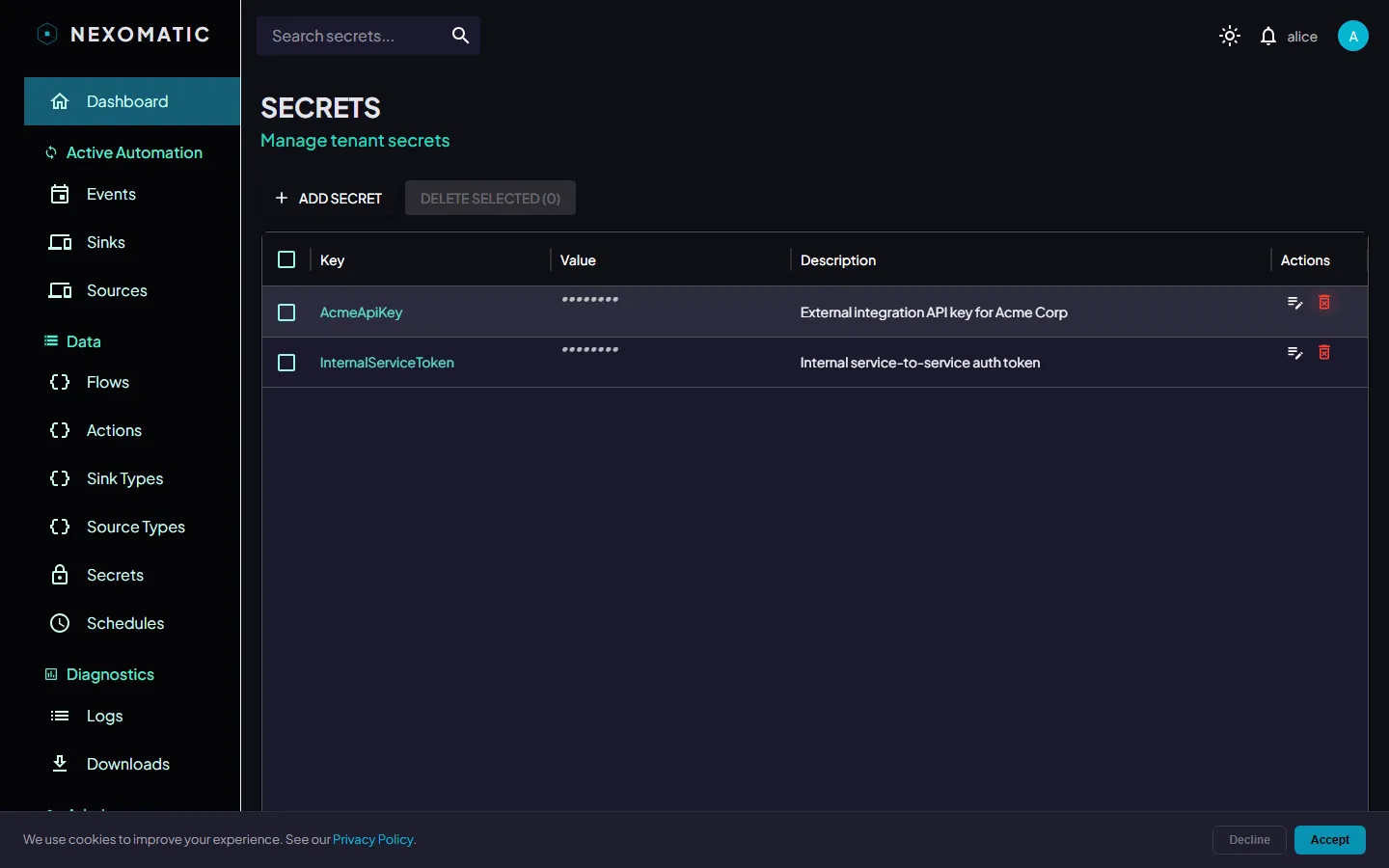
The Secrets screen provides a tenant-scoped key/value store for credentials and sensitive configuration values. Navigate to Secrets in the sidebar.
What are Secrets?
Section titled “What are Secrets?”Secrets allow you to store credentials (API keys, passwords, connection strings) in Nexomatic rather than embedding them in event payloads or module code. Sink modules retrieve secret values at runtime via a secure channel — values are never exposed in the UI or in logs.
The Secrets Table
Section titled “The Secrets Table”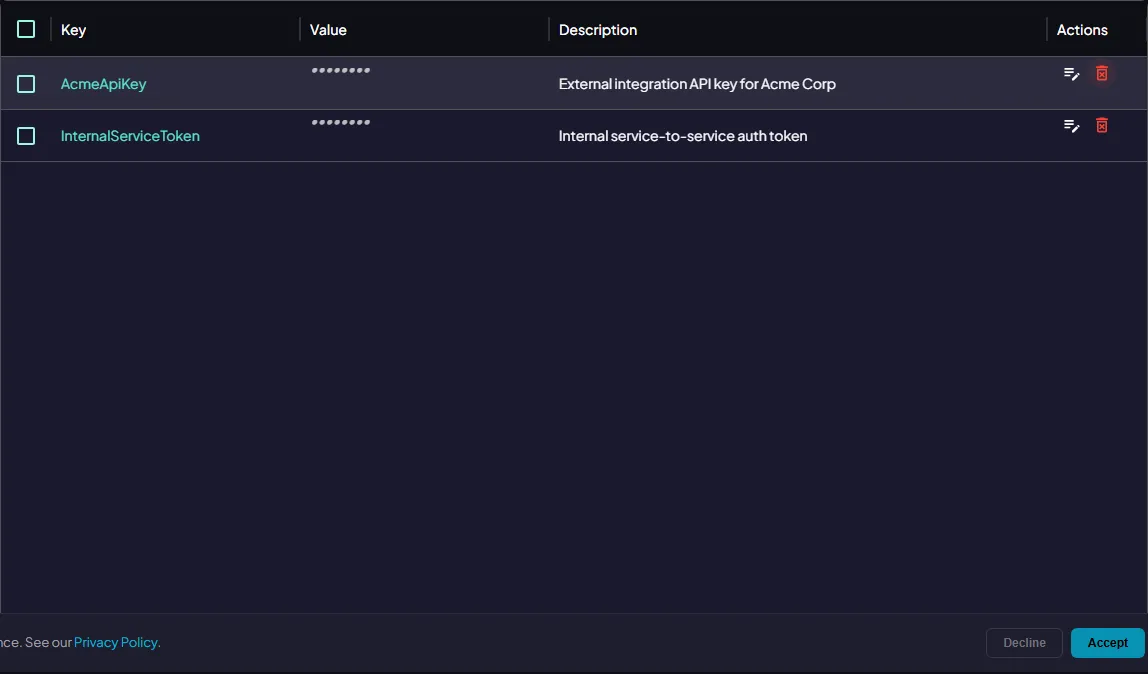
| Column | Description |
|---|---|
| Key | The name used to reference this secret in Actions and Parameters |
| Description | Optional human-readable description |
Secret values are never displayed in the table or anywhere in the UI.
Creating a Secret
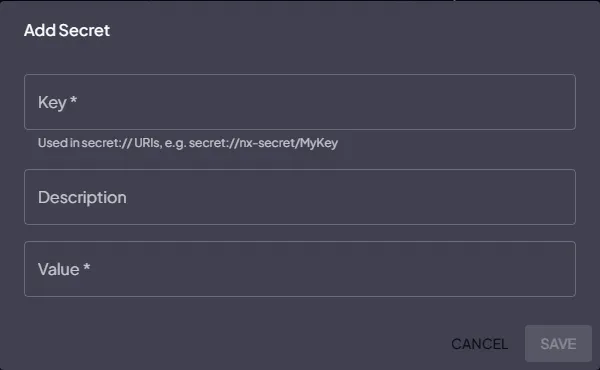
Section titled “Creating a Secret”Click Add Secret (the + button in the toolbar). The form opens:
| Field | Required | Description |
|---|---|---|
| Key | Yes | The reference name (e.g. DATABASE_PASSWORD, SMTP_API_KEY) |
| Description | No | A note about what this secret is for |
| Value | Yes | The secret value to encrypt and store |
Click Save. The value is stored encrypted server-side. Only the key appears in the list.
Updating a Secret
Section titled “Updating a Secret”Click the edit icon on a secret row. You can update the description freely. To change the value, enter a new value in the Value field and save. Leaving the value field empty preserves the existing encrypted value.
Deleting a Secret
Section titled “Deleting a Secret”Click the delete icon and confirm. Any Action parameters that reference this key by name will stop resolving — update those parameters before deleting.
Using Secrets in Automations
Section titled “Using Secrets in Automations”Reference a secret in an Action parameter:
- Set the parameter Type to
SECRET - Set the parameter Value to the secret’s Key (e.g.
DATABASE_PASSWORD)
At runtime the Hub resolves the secret value and injects it into the task before execution. The resolved value is never written to logs.
Access Control
Section titled “Access Control”All users with tenant access can view the list of secret keys. Only users with write permissions can create, update, or delete secrets.