
Sinks & Sources
import { Aside } from ‘@astrojs/starlight/components’;
The Sinks and Sources screens show all registered agent processes for your tenant. Navigate to either screen from the sidebar.
A Sink is an agent running in your infrastructure that executes tasks. This screen shows every registered sink and its current status.
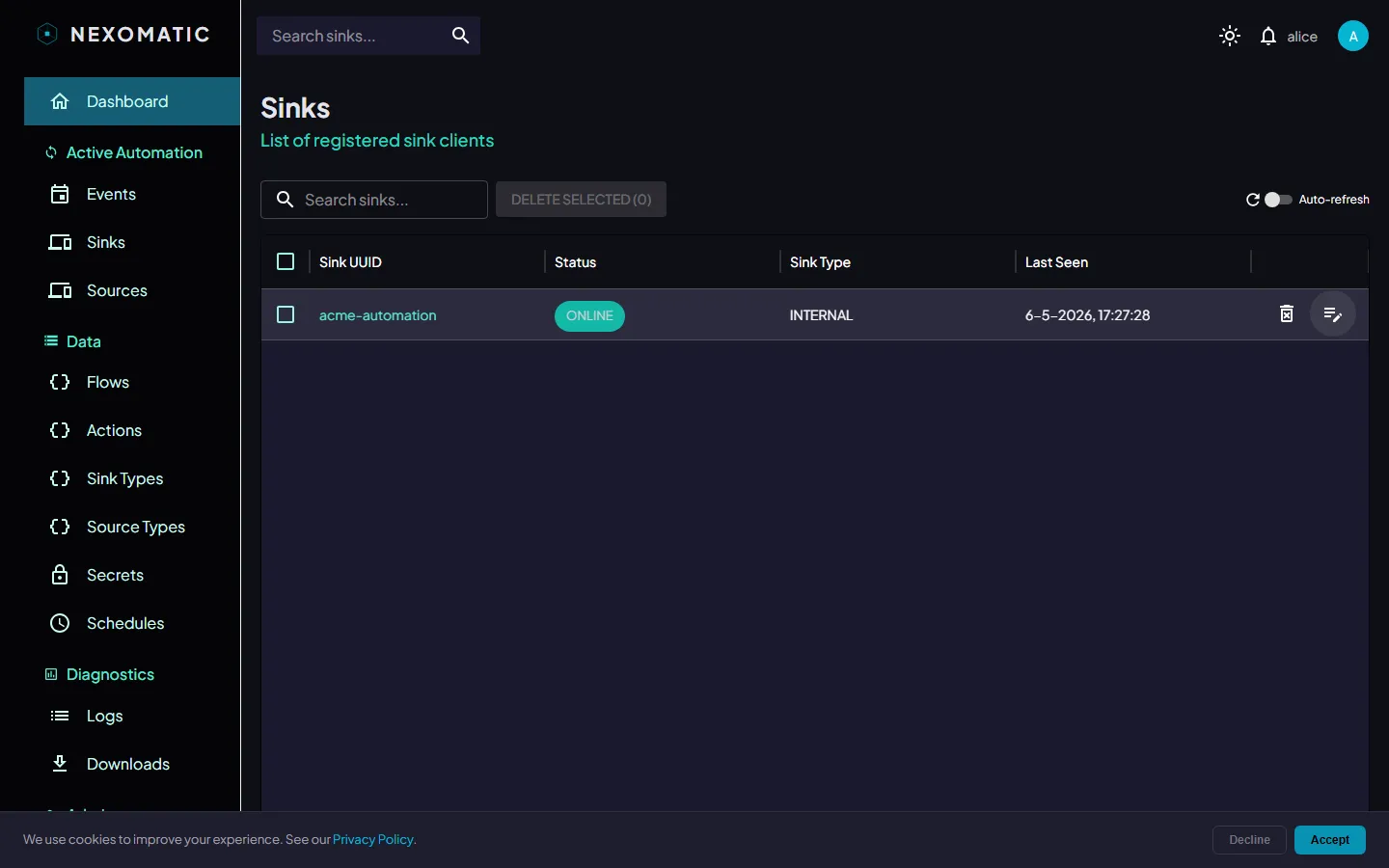
The Sinks Table
Section titled “The Sinks Table”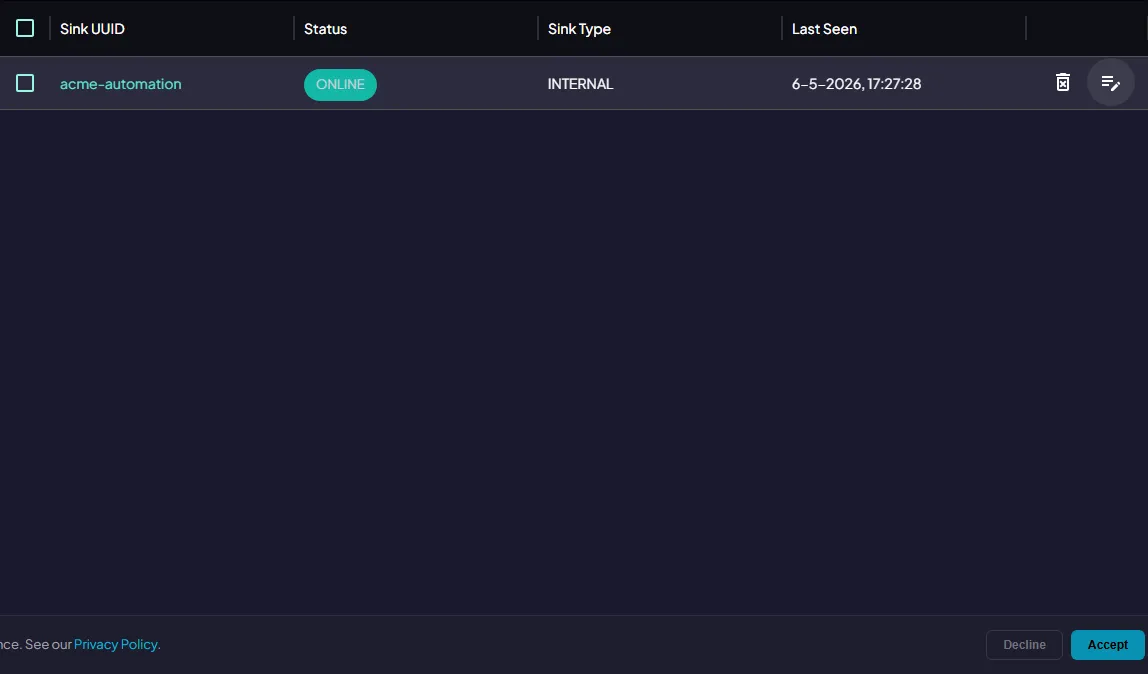
| Column | Description |
|---|---|
| Sink UUID | Unique identifier assigned when the agent registered. Click to open details |
| Status | Current connection state (see below) |
| Sink Type | The type of agent (e.g. Python, PowerShell) |
| Last Seen | When the agent last communicated with the Hub |
Status Values
Section titled “Status Values”| Status | Meaning |
|---|---|
ONLINE | Connected and ready to receive tasks |
OFFLINE | Not connected |
RESETTING | A graceful restart has been requested |
KILLING | A graceful shutdown has been requested |
FORCE_KILLING | An immediate shutdown has been requested |
Search
Section titled “Search”
Type in the Search sinks… field to filter sinks by UUID, status, or type. Results update immediately.
Auto-Refresh
Section titled “Auto-Refresh”
Enable Auto-refresh to reload the list automatically at 10 s, 30 s, 1 m, or 5 m intervals. Click ↺ to reload immediately.
Sink Detail
Section titled “Sink Detail”Click the edit icon or the Sink UUID in any row to open the Sink Detail panel:
| Field | Description |
|---|---|
| UUID | The sink’s unique identifier |
| Status | Current status with colour indicator |
| Sink Type | The registered type name |
| Last Seen | Timestamp of last communication |
| Last Updated | When the sink record was last modified |
Control Buttons
Section titled “Control Buttons”The detail panel includes buttons for managing the sink’s running state. Available to users with write permissions when the sink is ONLINE.
| Button | Effect |
|---|---|
| Reset | Graceful restart — finishes in-progress tasks, disconnects, reconnects. Status becomes RESETTING |
| Kill | Graceful shutdown — finishes in-progress tasks and exits. Status becomes KILLING |
| Force Kill | Immediate shutdown — exits as soon as possible, potentially interrupting running tasks. Status becomes FORCE_KILLING |
Delete
Section titled “Delete”Click the delete icon and confirm to remove the sink record. Any events assigned to it are re-queued.
For bulk deletion, use the checkboxes and click Delete Selected.
Sources
Section titled “Sources”A Source is a registered agent that produces events (e.g. a webhook receiver, a scheduler, an EventGrid consumer).
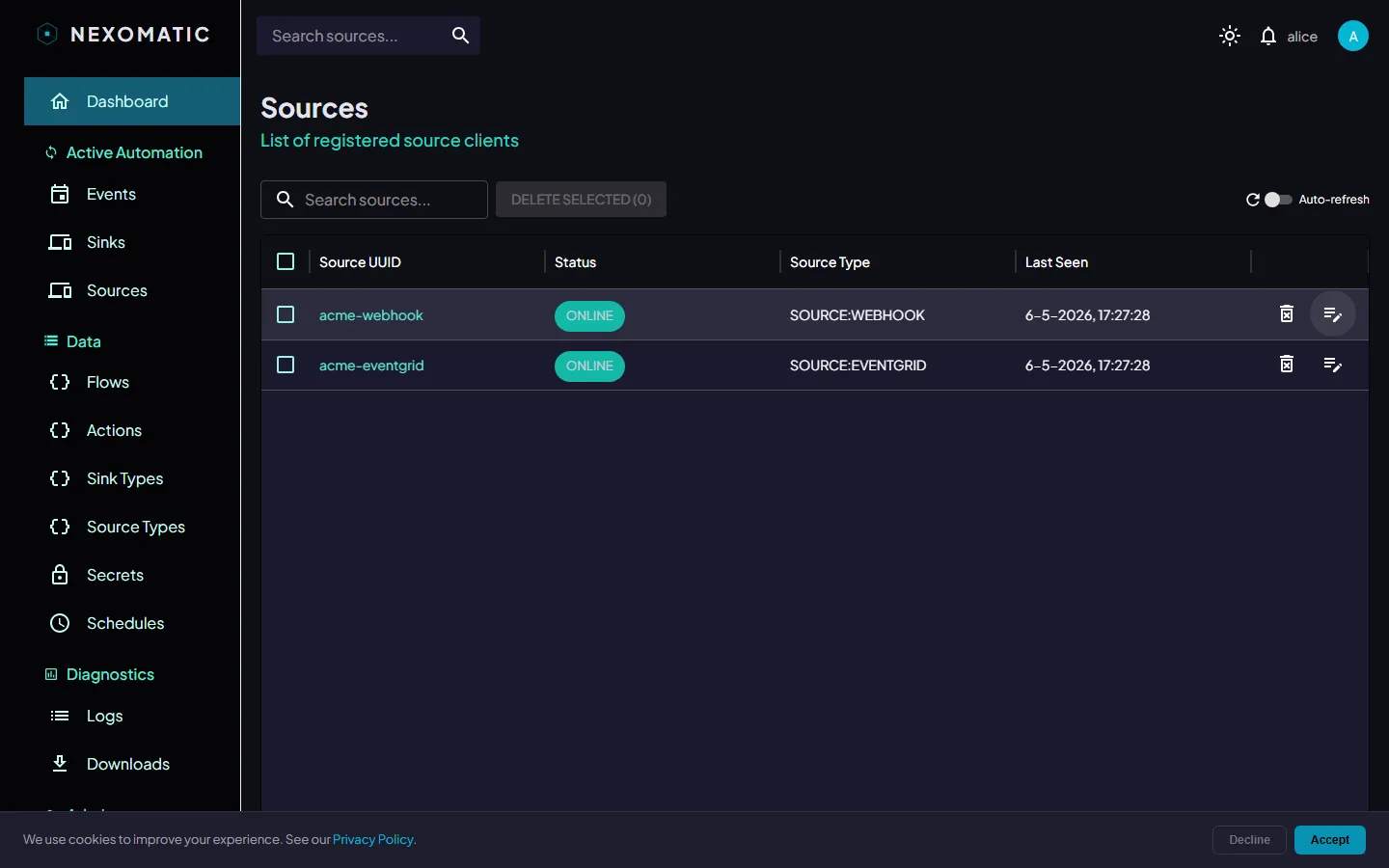
The Sources Table
Section titled “The Sources Table”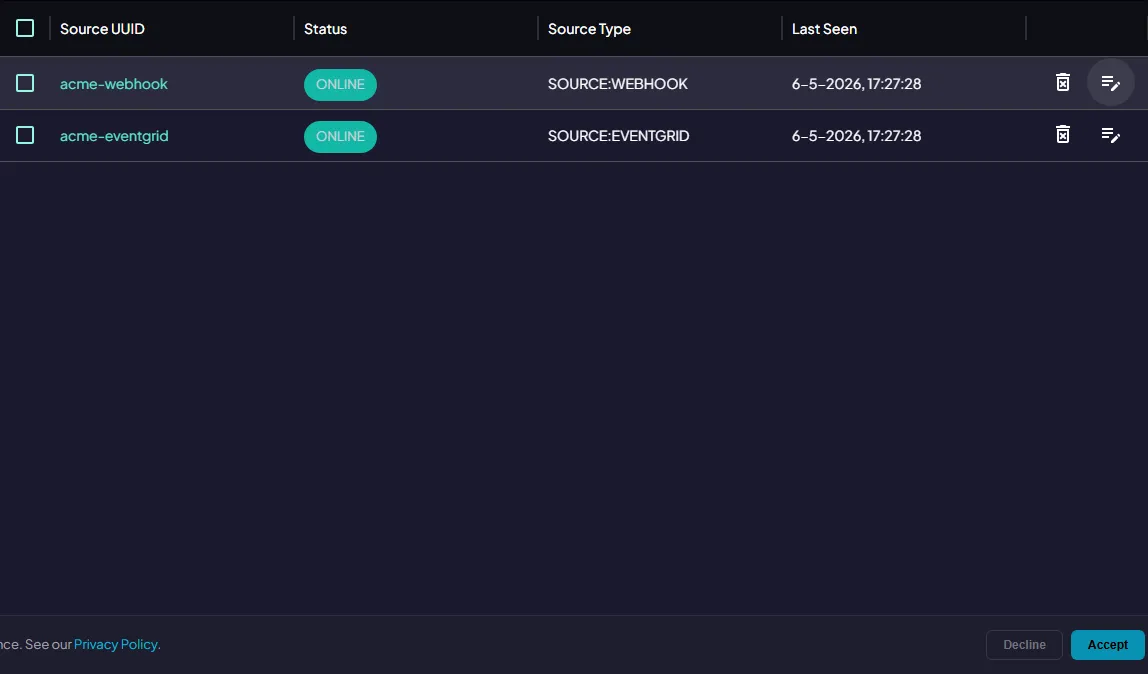
| Column | Description |
|---|---|
| Source UUID | Unique identifier. Click to open details |
| Status | Current connection state |
| Source Type | The type of source (e.g. WEBHOOK, SCHEDULER) |
| Last Seen | When the source last communicated |
Source Detail
Section titled “Source Detail”Click the edit icon or Source UUID to open the Source Detail panel, showing UUID, status, source type, last seen, and last updated timestamps.
Control buttons (Reset, Kill, Force Kill) are available in the same way as for sinks.
Search & Auto-Refresh
Section titled “Search & Auto-Refresh”The Sources screen has the same Search field and Auto-refresh control as the Sinks screen.
Sink Types & Source Types
Section titled “Sink Types & Source Types”The Sink Types and Source Types screens list the registered type definitions for your tenant.
Sink Types
Section titled “Sink Types”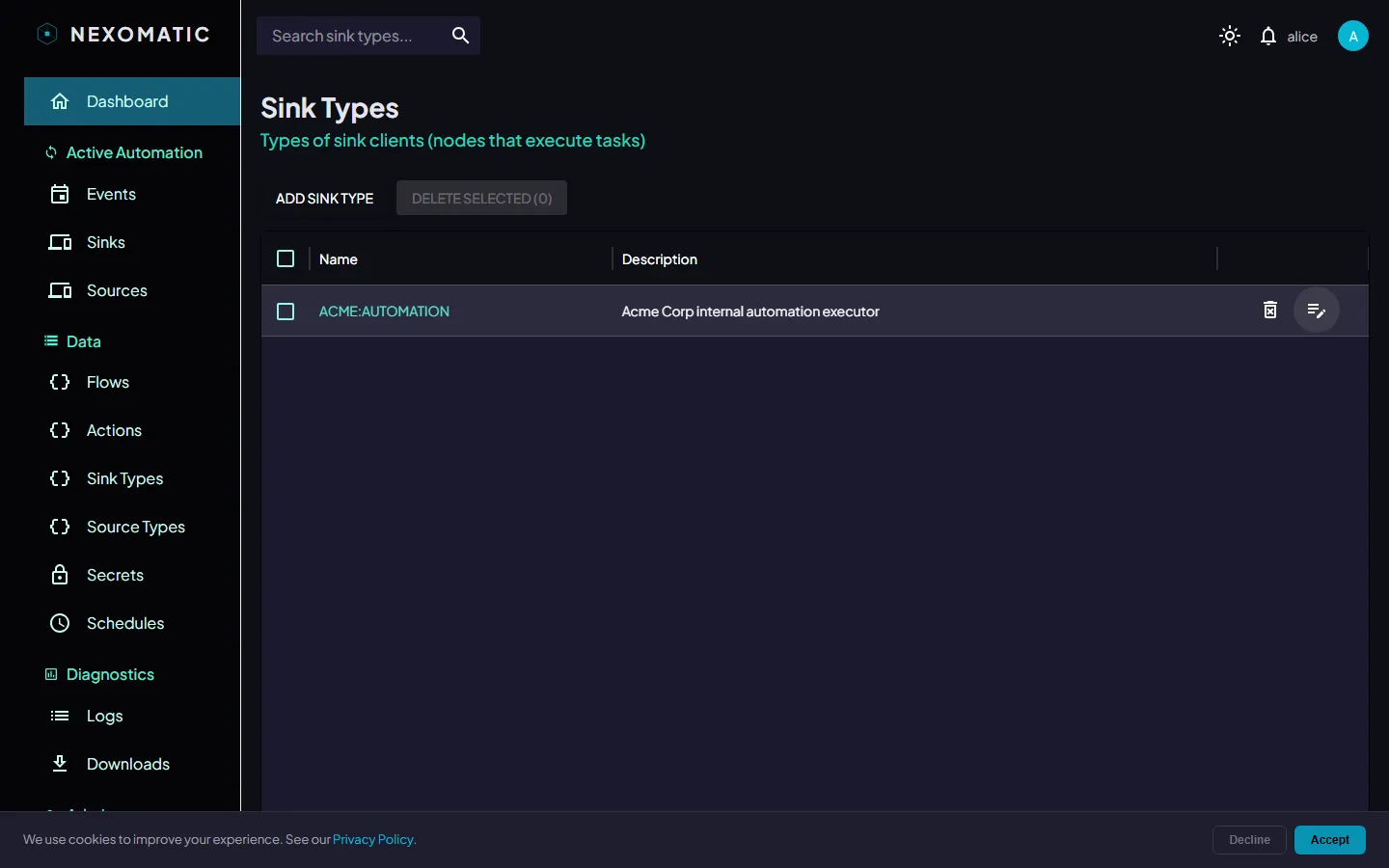
Each Sink Type defines a category of sink agent. Types are registered by the platform or by your tenant admin and referenced when sinks connect.
Source Types
Section titled “Source Types”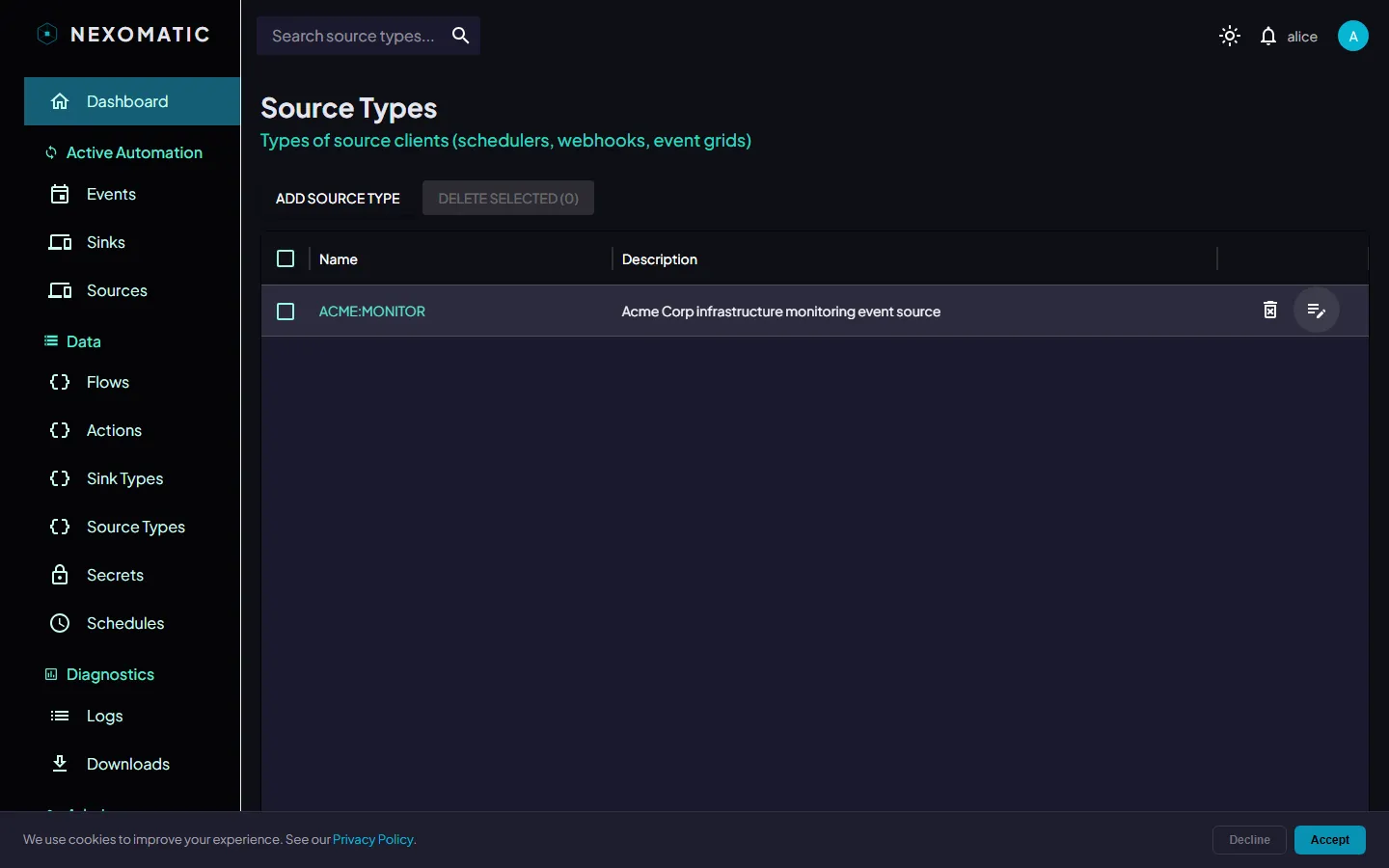
Source Types define the kinds of event producers that are allowed to fire events. They are referenced in Flow definitions to restrict which sources can trigger which automations.