
Logs
import { Aside } from ‘@astrojs/starlight/components’;
The Logs screen shows structured log records written by sink modules during task execution. Navigate to Logs in the sidebar.
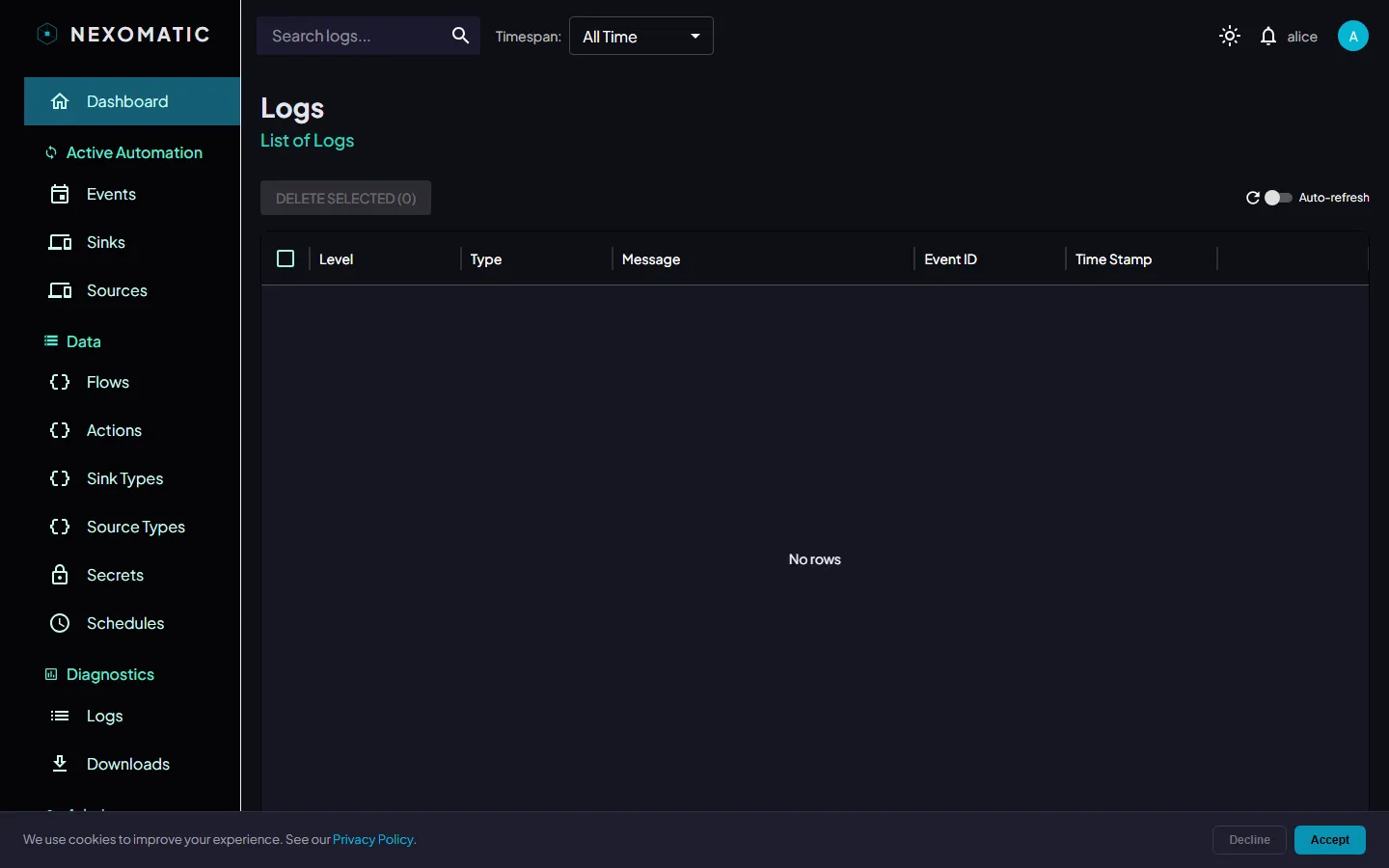
The Logs Table
Section titled “The Logs Table”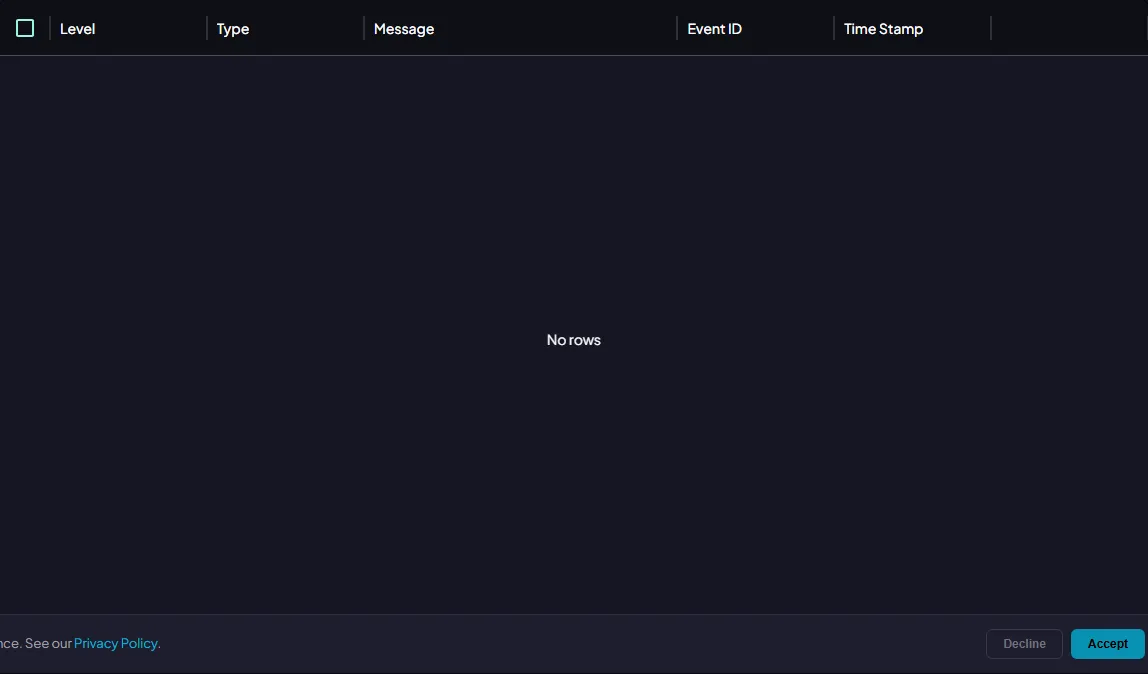
Columns
Section titled “Columns”| Column | Description |
|---|---|
| Level | Log severity: DEBUG, INFO, WARNING, ERROR, CRITICAL |
| Message | The log message text |
| Event | The event this log belongs to |
| Flow | The flow the event ran in |
| Action | The action that produced this log |
| Run | Short run id — all fan-out branches of one trigger run share it |
| Sink | The sink that produced this log |
| Timestamp | When the log entry was written |
Search & Filtering
Section titled “Search & Filtering”
Search
Section titled “Search”Type in the Search logs… field in the topbar to filter by message text, level, or sink name. Results update on the server as you type.
Date / Time Filter
Section titled “Date / Time Filter”The Timespan dropdown lets you restrict logs to a time window.
| Preset | Range |
|---|---|
| Last 5 min | Now − 5 minutes |
| Last 30 min | Now − 30 minutes |
| Last 1 hour | Now − 1 hour |
| Today | Start of today |
| Last 24 hours | Now − 24 hours |
| Last week | Now − 7 days |
| Custom range | Pick any start and end date/time |
Click Clear to remove the filter.
Auto-Refresh
Section titled “Auto-Refresh”Use the Auto-refresh control to reload the log table automatically.
Toggle the switch to enable, then choose an interval (10 s, 30 s, 1 m, or 5 m). Click the ↺ icon to trigger an immediate reload at any time.
Row Actions
Section titled “Row Actions”| Button | Action |
|---|---|
| Edit icon | Opens the log entry detail panel showing the full message and metadata |
| Delete icon | Deletes the log record after confirmation |
Bulk Delete
Section titled “Bulk Delete”Select multiple rows using the checkboxes, then click Delete Selected (N) to remove them.
Log Levels
Section titled “Log Levels”| Level | Meaning |
|---|---|
DEBUG | Verbose diagnostic output — usually only useful when troubleshooting |
INFO | Normal operation milestones |
WARNING | Something unexpected happened but the task completed |
ERROR | The task encountered a failure |
CRITICAL (50) | A critical failure requiring immediate attention |