
Actions
The Actions screen (sidebar → Build → Actions) lists your reusable action definitions: a library module plus its runtime parameters. Chaining — what runs next on success or failure — is configured per flow, not here.
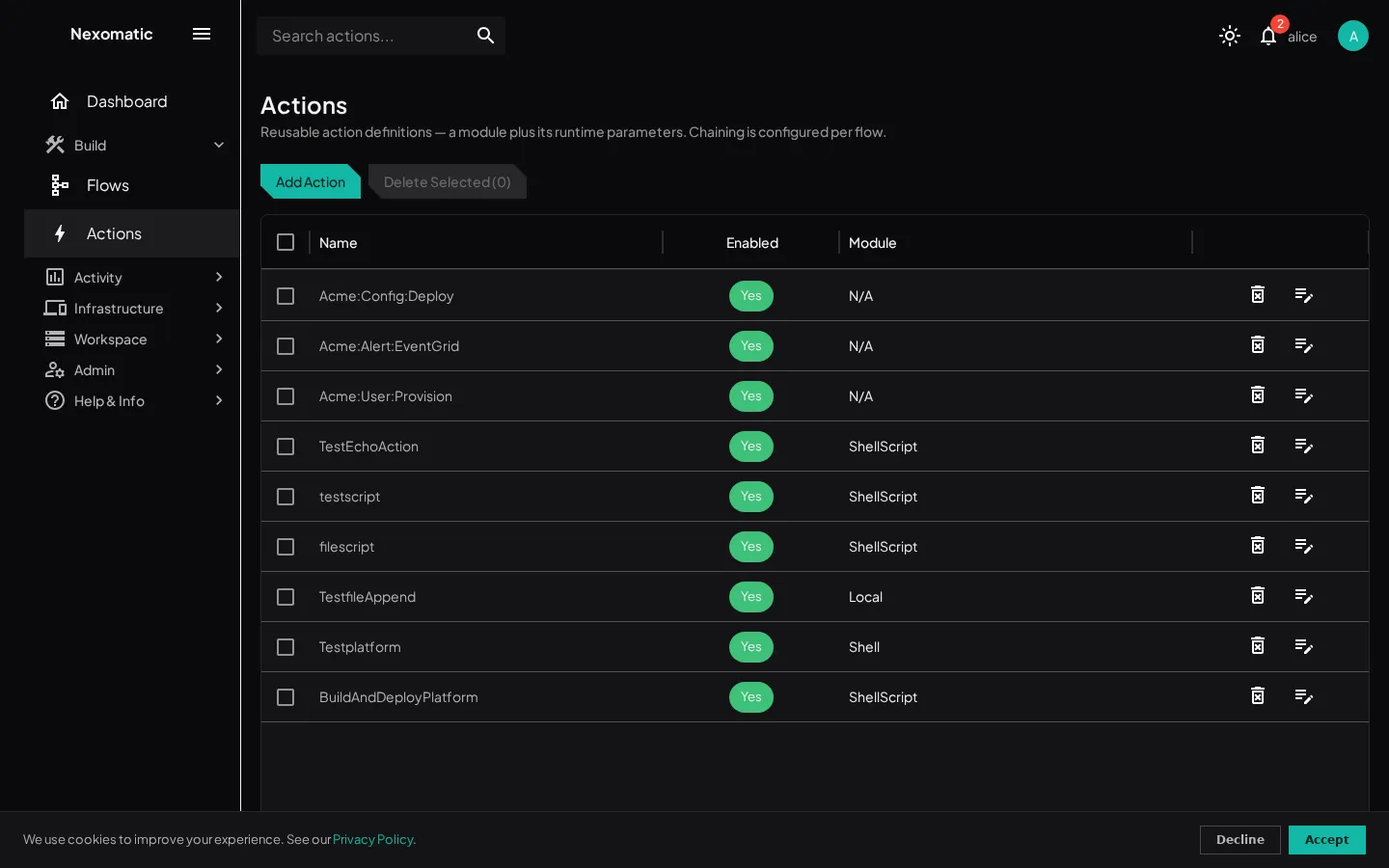
The Actions grid
Section titled “The Actions grid”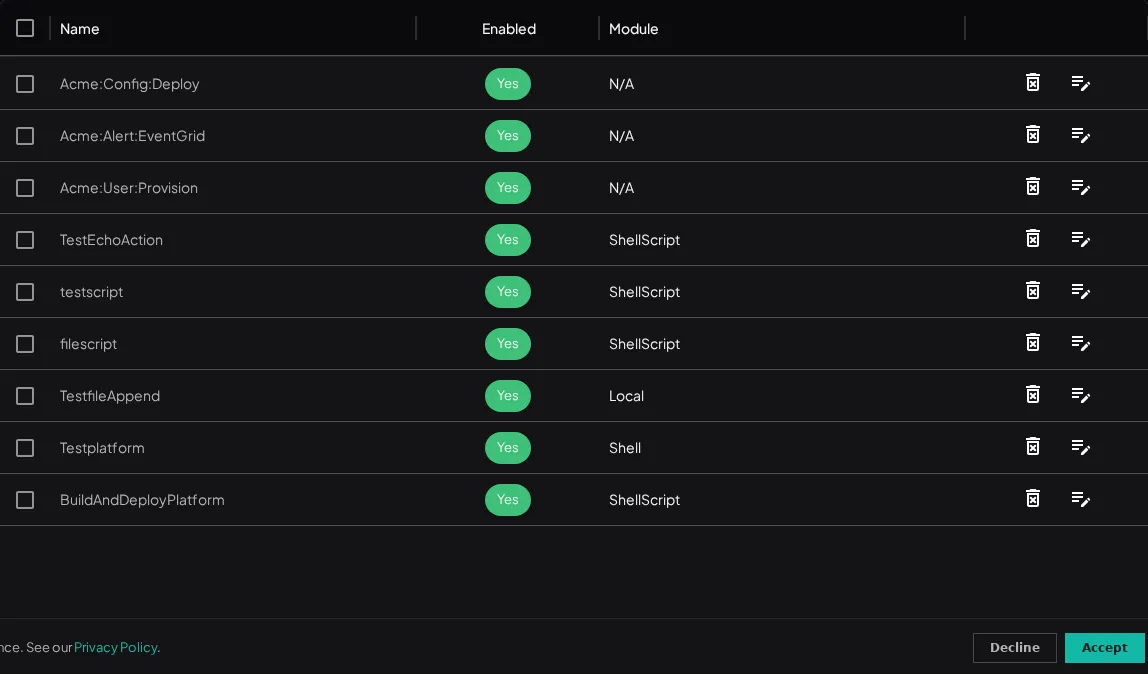
| Column | Description |
|---|---|
| ID | The action’s internal id |
| Name | The action’s display name — click to open the editor |
| Enabled | Whether flows can use this action |
| Module | The library module the action executes (library/module) |
Add Action opens the editor: pick a library and module (each library’s declared requirements are shown at pick time), set the action’s name, and configure its runtime parameters — the single parameter surface. Parameters render by type: secrets are a dropdown of your tenant’s secrets, true/false params are switches, DATA params come from the event.
Delete with the row’s delete icon or the checkboxes + Delete Selected, with the usual confirmation.
Actions in flows
Section titled “Actions in flows”A flow’s DO line picks the action and its placement; the THEN chain runs further actions on success or failure (see the Flows page). New action… inside the flow builder creates an action from a library and module without leaving the editor.
Libraries, modules, runtime requirements, and script markers are covered in the Actions & Libraries guide.